
How Nosmai Effects hits 60fps on mid-range phones
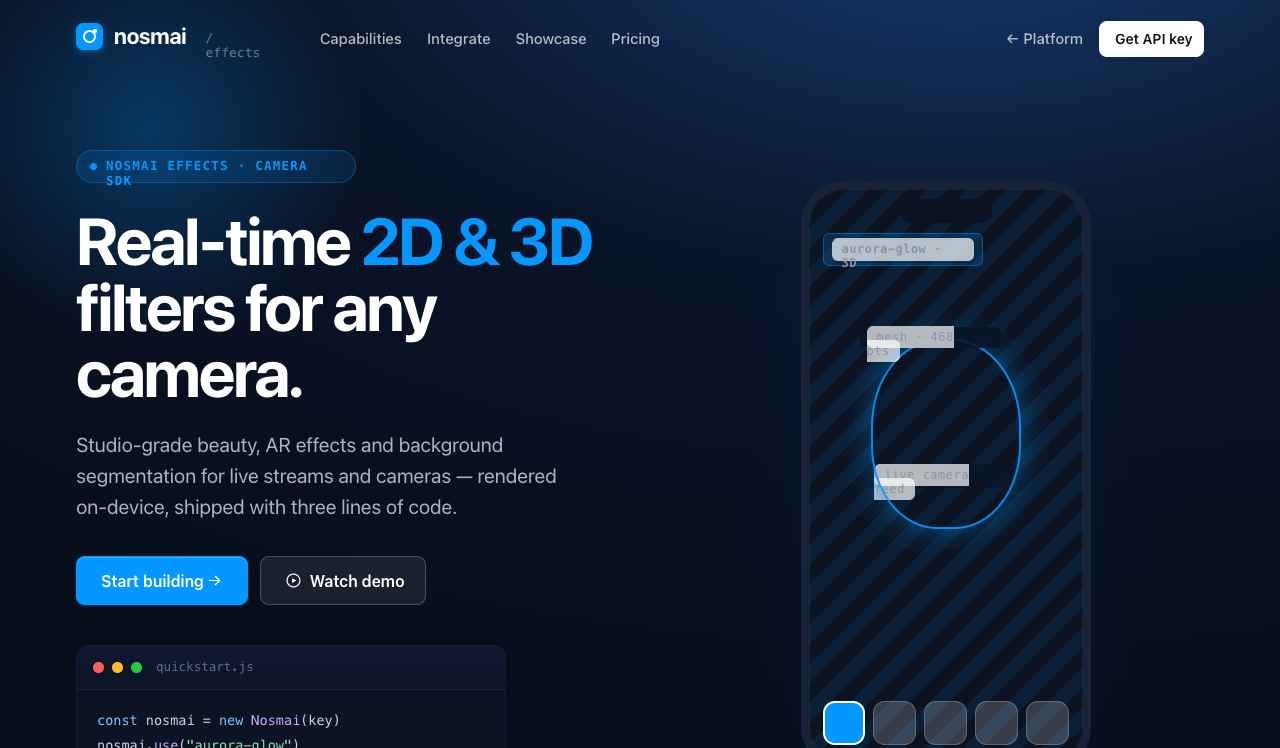
A look at the GPU pipeline, the filter graph, and the tricks that keep beauty and AR smooth on hardware from three years ago.
Hitting 60fps on a flagship is easy. Hitting it on the phone most of your users actually carry is the real engineering problem. Here is how the Effects pipeline stays fast.
One graph, compiled once
Every filter is a node in a graph that we compile to a single GPU pass wherever possible. Fewer passes means fewer texture reads, which is almost always the real bottleneck on mobile.
Track less, reuse more
- Face mesh runs at a cadence the frame rate can afford, with motion interpolation between updates
- Intermediate textures are pooled and reused rather than reallocated
- Beauty and color operate in the same pass as the mesh render
Measure on the worst device
We budget against mid-range hardware, not the newest silicon. If a filter cannot hold 60fps there, it does not ship until it can.
What this gets you
The result is filters that feel instant on a three-year-old Android phone over LTE, and a build pipeline that catches regressions before they ever reach a release branch. Mid-range first is a discipline, not a slogan.